
PhotoLife
Where your photos live. And come to life.
The Next Generation Photo Manager on PC
PhotoLife makes it easy to view, sort, organize, edit, and share thousands of digital photos and videos on a PC
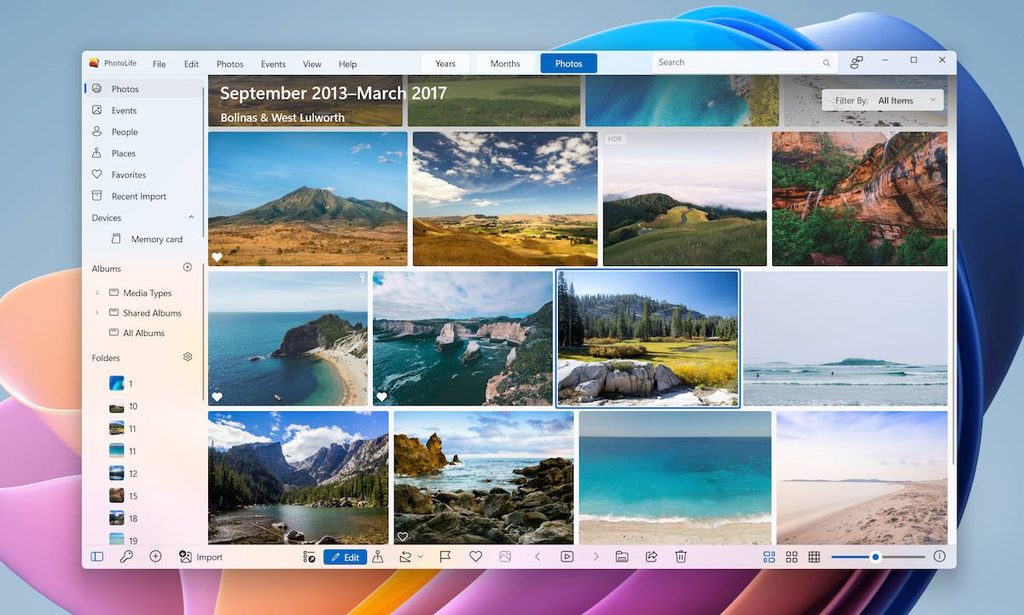
PhotoLife speaks
English, Deutsch, Italiano, Español, Français, Polski, Português, Nederlands, Dansk, Svenska, Norsk, Suomi, magyar, română, čeština, Ελληνικά, hrvatski, 日本語, 한국어, slovenčina, Türkçe, українська
Facial Recognition
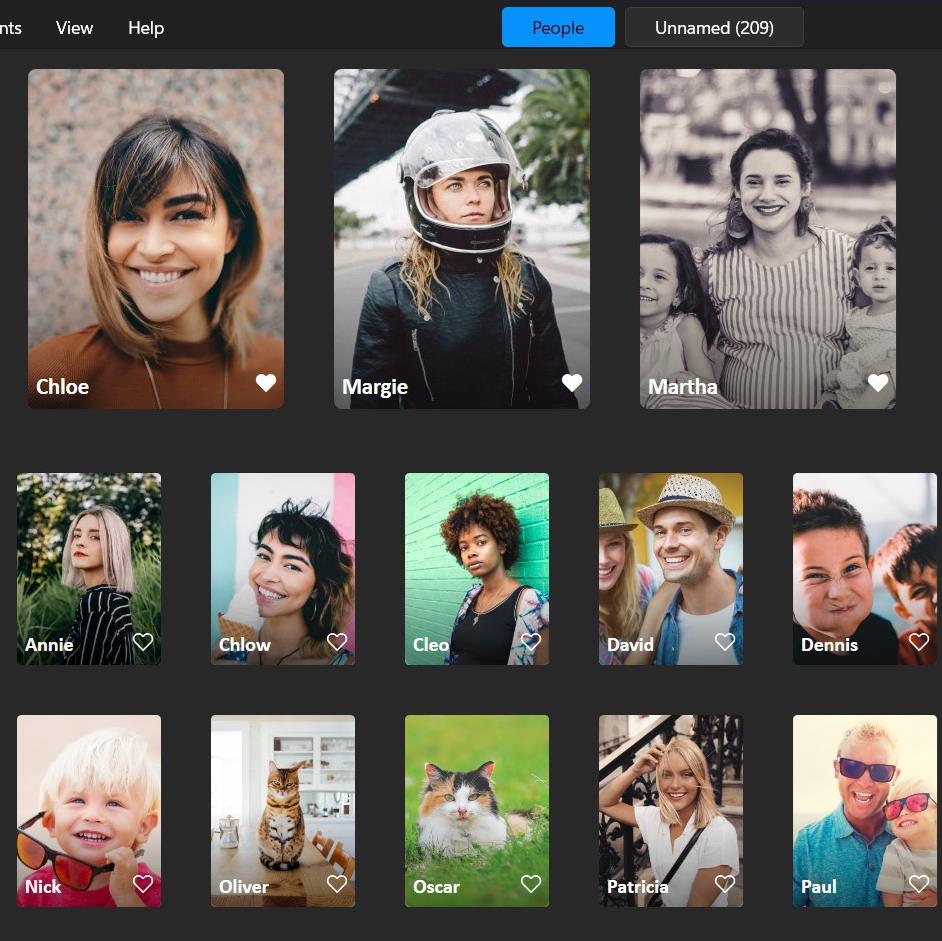
Cutting-edge AI-driven faces recognition feature identifies the same person on all photos across the library and puts them in albums automatically.
99.5%
Accuracy Rate
No cloud, all recognition happens locally on PC, with CPU and GPU
PhotoLife automatically recognizes people and gathers all photos of the same person into an album with a name.
Pin your beloved to the Favorites section to have them in the first place.
Read more about Facial Recognition in PhotoLife.

Picasa to PhotoLife Easy Switch
Did you really love Picasa and get upset when Google shut it down?
We’ve got you covered! Migrate from Picasa to PhotoLife in a few clicks, no matter how extensive your photo collection is. And your photo organizational efforts will not be lost. PhotoLife reads and preserves all Picasa tags, captions, people names, and face tags on import images.
Apart from familiar Picasa features, you get:
- Duplicates removal
- Upload photos to Google Photos
- Smart and Live Albums
- Import images from iPhone
- Modern file formats (RAW, HEIC, AVIF)
- Organize and tag video files
Organize With Ease
PhotoLife gives the most helpful tool-set to organize and structure photos. Create a sophisticated, multi-level photo Library with Events, Albums, Folders, and Smart Albums
Smart Albums
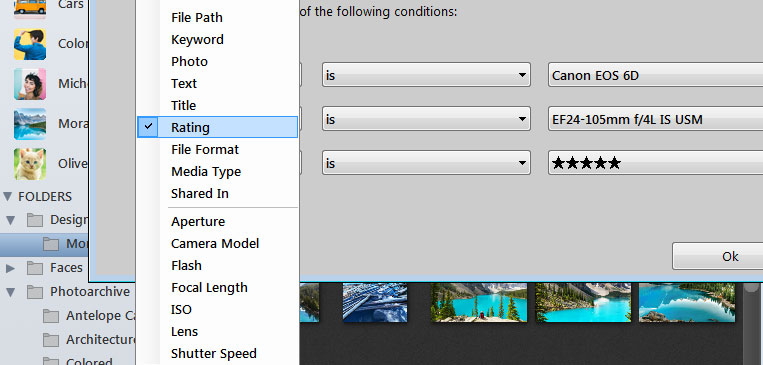
A Smart Album automatically gathers and displays photos in your Library that meet the criteria you specify.
Albums
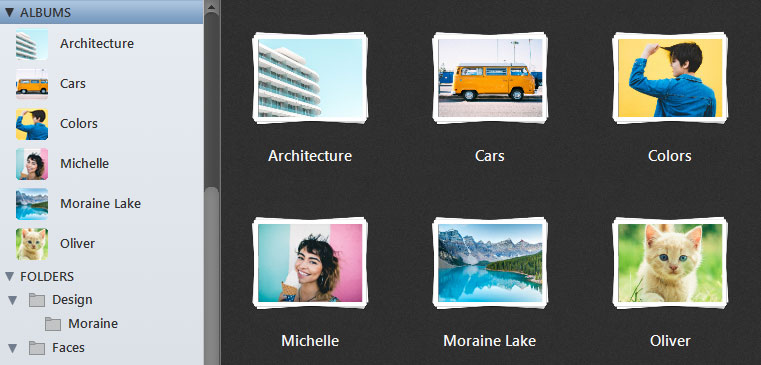
Albums are manually controlled collections of photos.
More features to organize photos
Tag photos with keywords, people, and places
Filter by camera model or date
Correct wrong timestamps
Thumbnails size
Years and Months views
Batch conversion and export
Keywords and Search
Tag photos and videos with keywords. Find photos in a second with the Search feature.
Keywords
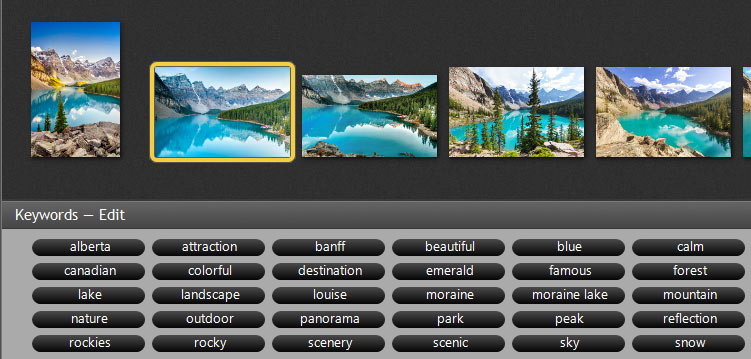
Tag photos with keywords. Add, replace, and remove keywords in a batch. Instant search by a keyword.
Search
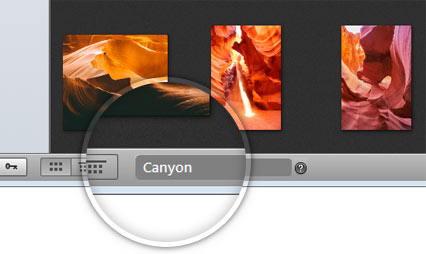
Smart Search™ feature searches over titles, keywords, names, locations, dates, ratings, years, and weekdays.
More features to work with metadata
It isn’t easy to imagine photo editing software for a PC without tools to work with keywords.
PhotoLife gives a comprehensive toolbox to work with keywords of images. View, search, change and delete keywords with a confusion-free interface. Correct the wrong timestamps of photos, change descriptions, and rate photos.
PhotoLife performs batch processing for metadata change tasks and can update the keywords of thousands of images with a single click.
Duplicates Detection
Reclaim your PC’s storage. Find and remove all duplicates in a minute.
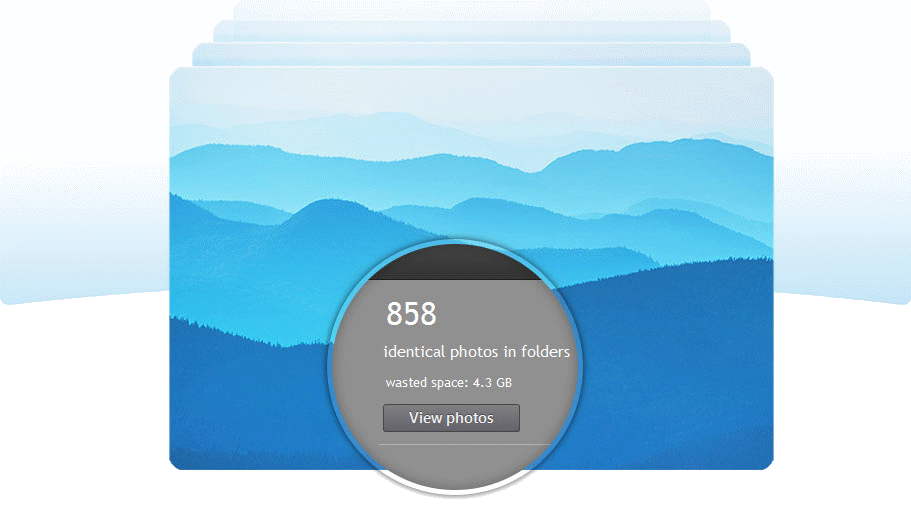
Your photos matter. Their copies don’t.
Duplicate detection and removal feature spots copies of image files and gives a way to see where all duplicates are located and delete them all.

Ryan Edmonds
Lorem ipsum dolor sit amet, consectetur adipiscing elit.

Marie Garibay
Lorem ipsum dolor sit amet, consectetur adipiscing elit.

Clarence Harris
Lorem ipsum dolor sit amet, consectetur adipiscing elit.
Built-in Photo Editor
Edit photos and perfect your best shots with editing tools.
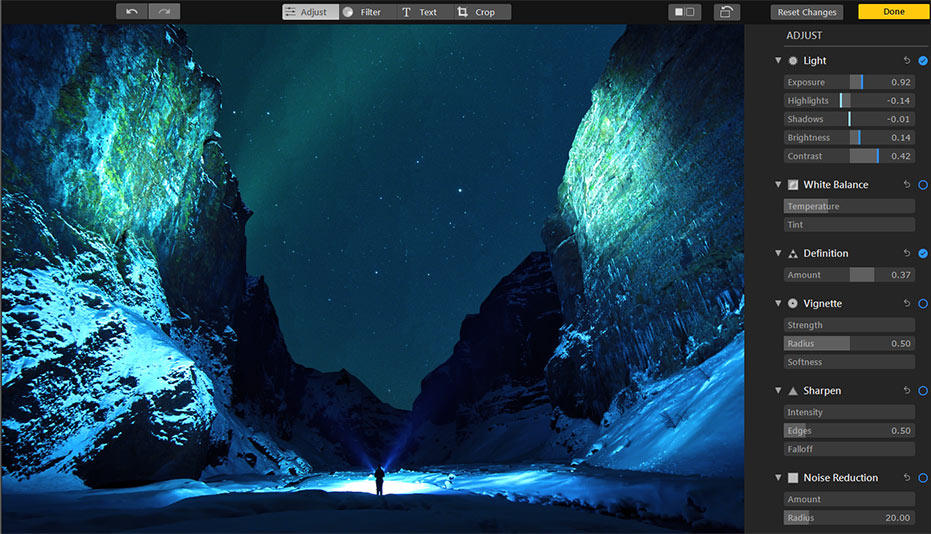
Image Editing Features
Striking Filter Effects
Apply high-quality photo filters and get the unique look of photos
✦ 56 filters inside ✦
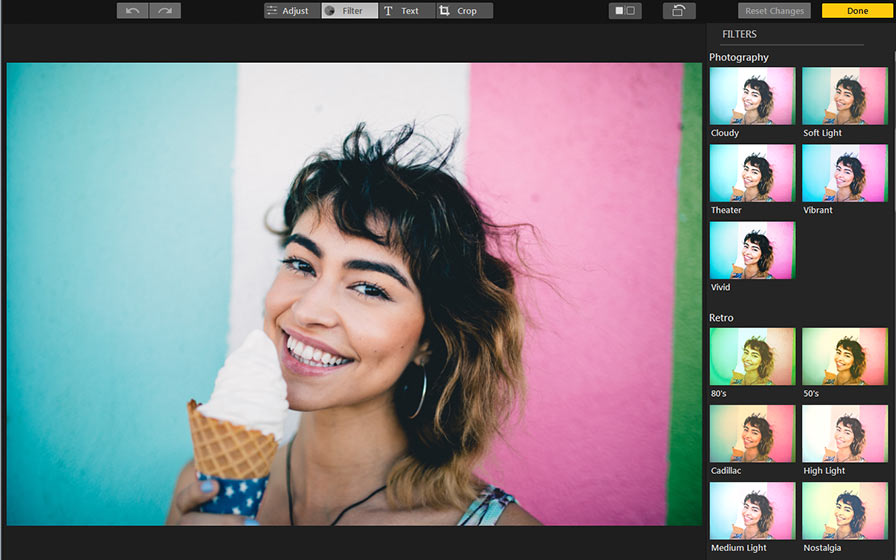
To keep PhotoLife a simple photo editing software, we packed the software with a bunch of built-in photo filters.
With just a click, you can apply one of 56 high-quality photo filters to your photos and get a unique and outstanding look without extra effort.
In addition to traditional photo filters, PhotoLife includes a few extravagant filters that can give photos a dramatic or unusual look.
Get an easy start
with PhotoLife now
Everything you ever wanted in photo management software on PC. Download and try today
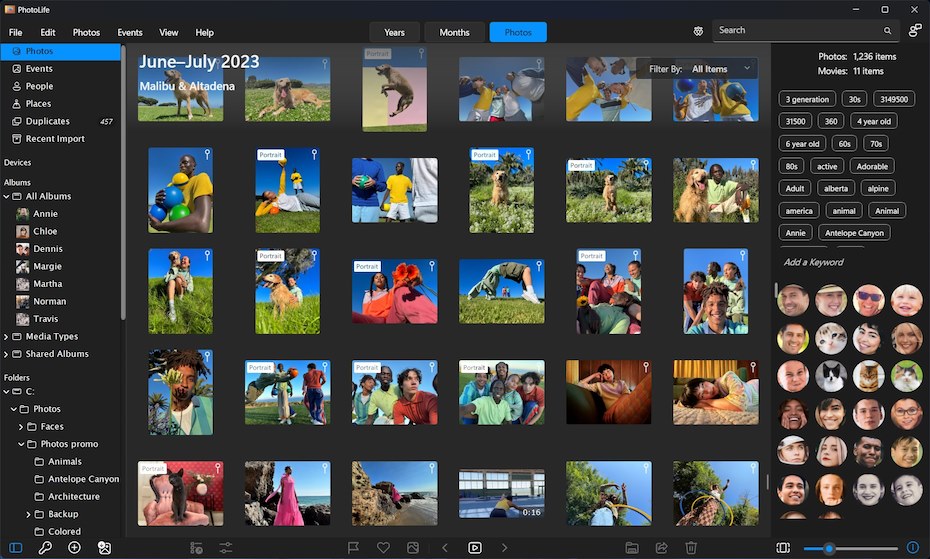
PhotoLife is the ultimate software solution to simplify the management of digital assets – photos and videos. Whether you’re a casual picture taker or a digital photography professional, PhotoLife offers many features, including photo editing tools, password-protected safe boxes, metadata support, instant search, sharing to social media, and much more.